Southwala Shorts
- Most of us have an old smartphone lying around in a drawer.
- The battery may not last long, and the apps might feel slow, but the camera still works fine.
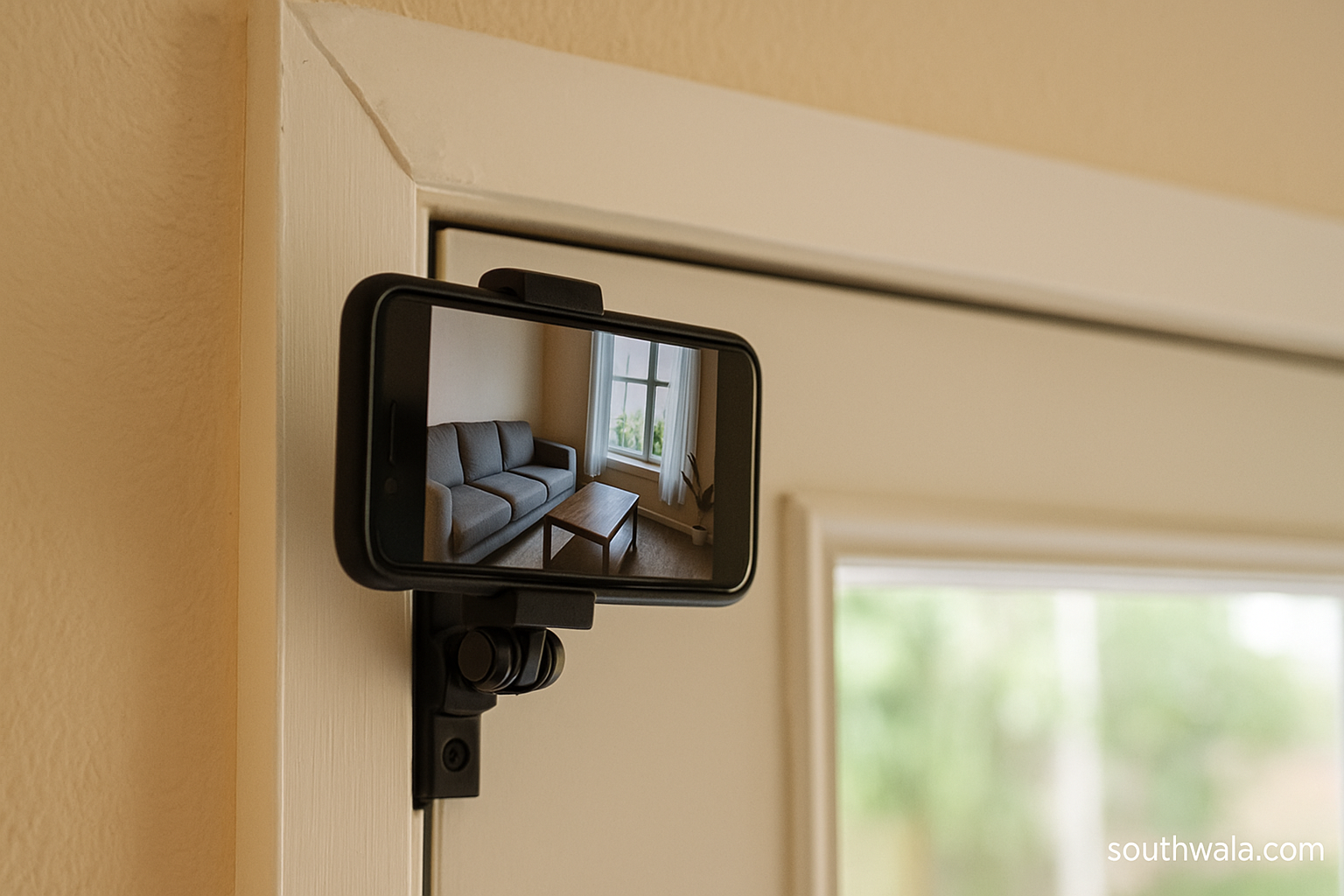
- Instead of letting it gather dust, it can be turned into a useful security camera for your home.
- With just a few steps, an unused phone can act like a smart CCTV without extra spending.

Most of us have an old smartphone lying around in a drawer. The battery may not last long, and the apps might feel slow, but the camera still works fine. Instead of letting it gather dust, it can be turned into a useful security camera for your home. With just a few steps, an unused phone can act like a smart CCTV without extra spending.
Old Phones Make Perfect Security Cameras
Smartphones already come with features that make them suitable for security. They have cameras, microphones, Wi-Fi, and storage options. Many also support cloud backups, so the video feed can be saved safely. The size and portability make them easy to place in different corners of the house.
Setting It Up as a Security Camera
First, choose a reliable app from the app store. Many free apps are designed for this purpose. They allow live streaming, motion detection, and even night mode. Once the app is installed, sign in with an email account and set up your phone as the “camera device.”
Next, connect the old phone to Wi-Fi. Keep it on charge to avoid the battery draining. Place it in a location where it can cover the area you want to monitor, such as the front door, living room, or even the garage. A simple phone stand or tripod can help keep it steady.
Features You Can Unlock
Most security apps provide features like:
- Motion detection alerts that notify your main phone when someone moves in front of the camera.
- Two-way audio that allows you to speak through the old phone if it has a microphone.
- Cloud storage or direct saving to another device.
Creative Uses Beyond Security
Apart from guarding the house, an old smartphone camera can also be used as a baby monitor, pet watcher, or even to check on deliveries. It is flexible, and since it is free, you can experiment with different setups.
Extra Tips for Better Results
Keep the lens clean for clear video. Use a stable internet connection for smooth live streaming. If possible, connect the phone to an uninterruptible power supply (UPS) so it does not switch off during power cuts.
FAQs
1. Can I use any old smartphone for this?
Yes, as long as the phone can connect to Wi-Fi and install basic apps, it can work as a security camera.
2. Do I need to pay for these apps?
Most apps have free versions with basic features like live streaming and motion alerts. Premium versions may offer cloud storage and advanced options.
3. Will the phone overheat if kept on charge all the time?
If you use a good charger and keep the phone in a cool place, it should work fine. You can also reduce screen brightness to lower heating.
4. Can I watch the live feed when I am outside the house?
Yes, most apps allow remote viewing. You can log in from another phone or a computer to see the live feed anytime.
5. Is it safe to use such apps for security?
Choose apps from trusted developers with good reviews. Many provide encrypted connections, making them safe for personal use.
Author


Discover more from Southwala
Subscribe to get the latest posts sent to your email.